On-device AI: why location changes the experience
An AI feature can run in a distant data center, on the device in your hand, or across both. That architectural choice shapes speed, privacy, cost, and capability.
What “on-device” means
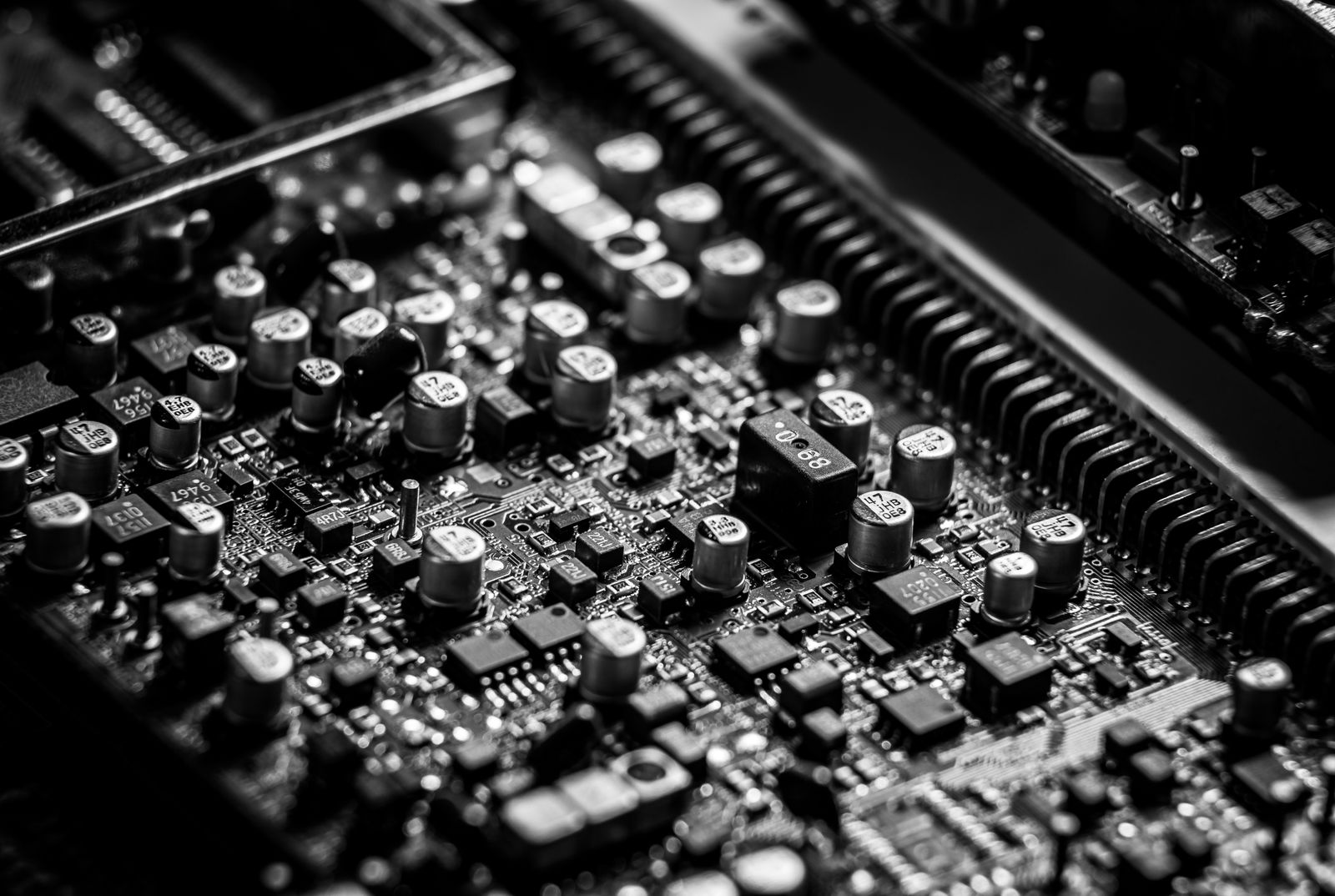
On-device AI performs model inference locally on a phone, laptop, wearable, vehicle, or other edge device. The input does not need to travel to a remote server for every prediction. Examples can include photo classification, keyboard suggestions, speech features, or document analysis, depending on the product and device.
Why local processing can feel faster
Cloud systems add network travel and depend on connectivity. A local model can respond without that round trip. The advantage is most visible in short, repeated interactions where latency interrupts flow: live captions, camera effects, input prediction, or interface adaptation.
Privacy benefits—with important limits
If data remains on the device, fewer raw inputs need to leave it. Apple’s Core ML documentation notes that strictly local execution removes the need for a network connection and can help keep a person’s data private. But “on-device” is not a complete privacy guarantee. An app may still send analytics, backups, outputs, or other data elsewhere. The full data flow matters.
The hardware constraint
Local models share limited memory, storage, battery, and thermal capacity. Developers may compress, quantize, or otherwise optimize models to fit. That can reduce capability compared with a large cloud model. Performance also varies across devices, creating a product-design challenge: which features work everywhere, and which require newer hardware?
Offline resilience
Local inference can continue on a plane, in a weak-signal area, or during a service outage. This makes on-device processing valuable where continuity matters. Yet model updates, content retrieval, and account synchronization may still need connectivity.
Why hybrid systems are common
A hybrid design routes small or sensitive tasks locally and sends demanding tasks to the cloud with appropriate notice and controls. The difficult part is making this boundary understandable. Users should not have to guess when their data leaves the device.
- Which inputs are processed locally?
- What is sent to a server, and why?
- Does the feature work offline?
- What changes on older hardware?
- Can cloud processing be disabled?
What comes next
More capable neural hardware and more efficient models will expand local AI, but cloud systems will not disappear. The meaningful trend is not “everything becomes local.” It is more deliberate placement: choosing the smallest, safest, and most responsive environment that can perform each part of a task.
Sources and further reading
Editorial note: This article was prepared with AI assistance and reviewed for technical restraint by LifeTechGlow.